

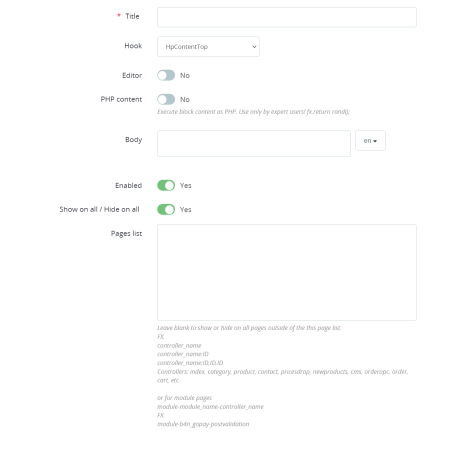
Administrable blocks are used to insert your own content on the e-shop into preset regions. Simply create your content using the WYSIWYG editor and select the correct location (hook).
Customize your e-shop! Insert your own content quickly and easily thanks to the admin blocks. With the WYSIWYG editor, you create content exactly as you want it and place it in preset areas of the e-shop (hook). Increase the attractiveness of your store and engage your customers with unique content!
After installing the module, the configuration is done in the administration "E-shop settings / blocks".
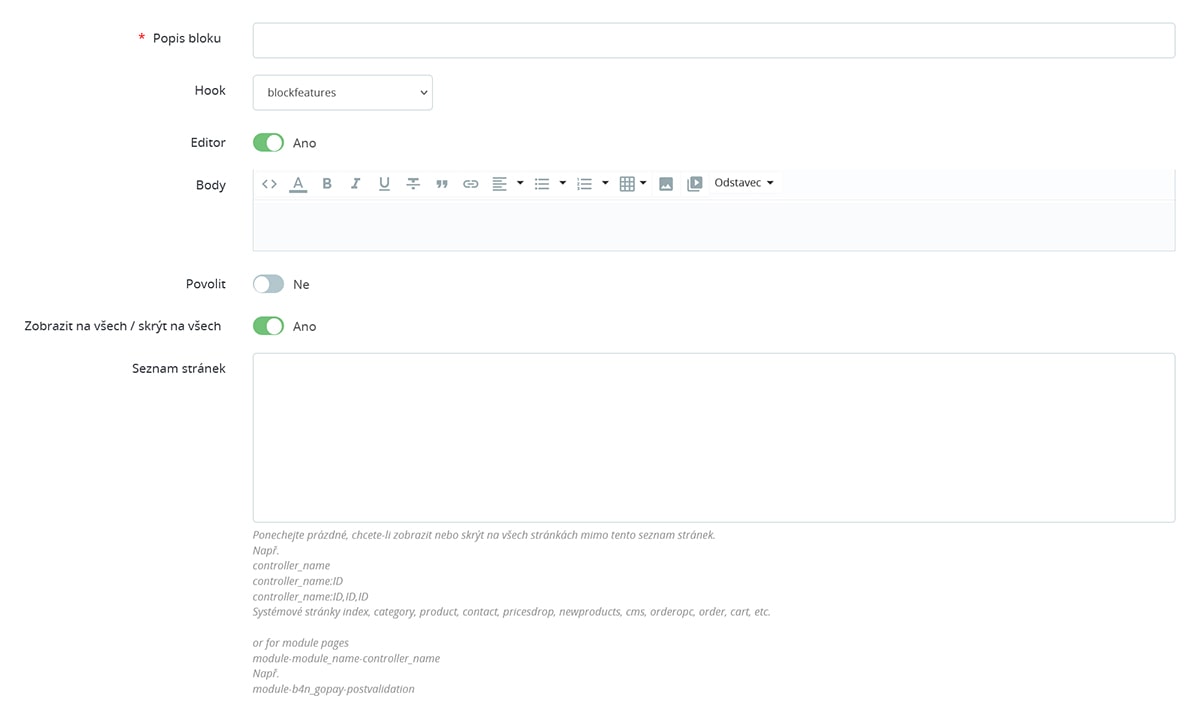
The module allows you to disable the WYSIWYG editor, which gives you the ability to insert custom PHP code and other scripts directly into the content. This feature is intended for advanced users and we recommend using it with extreme caution to avoid disrupting the functionality of the e-shop.
Thanks to the module, you can set exactly on which pages or page groups your block will be displayed, or conversely, where it will be hidden. Optimise the display of your content for maximum efficiency and tailor your e-shop to your customers' needs.
If you want to use a new hook that is not used in your template, just add {hook h='displayMainFullWidth'} to the selected template to add a hook named displayMainFullWidth.