

search

Pop-ups

A pop-up window on an e-shop is an effective tool for improving communication with customers and increasing sales. It can be used for a variety of purposes, such as notifications of special events, discounts, news or limited offers. It can also be used to obtain email addresses for a newsletter, provide instant customer support or collect feedback from visitors.

Reference:
b4n_popups
Module version:
2.5.32
Compatibility:
1.6, 1.7, 8
€59.00
Tax included
Quantity

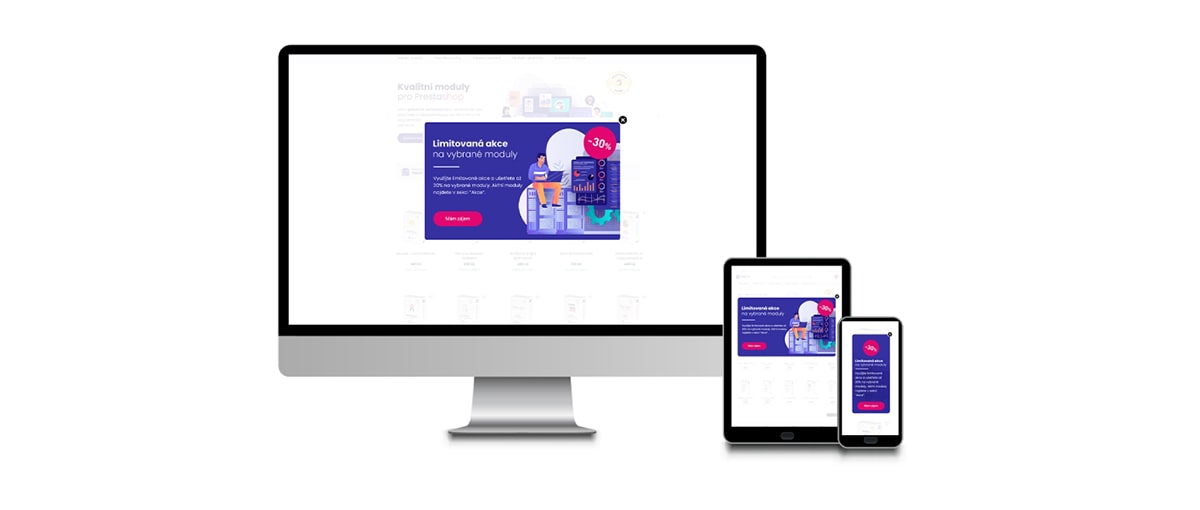
Prestashop module allows you to create multiple pop-ups that can be automatically activated or deactivated. Each window can be individually customized for mobile, tablet and PC.
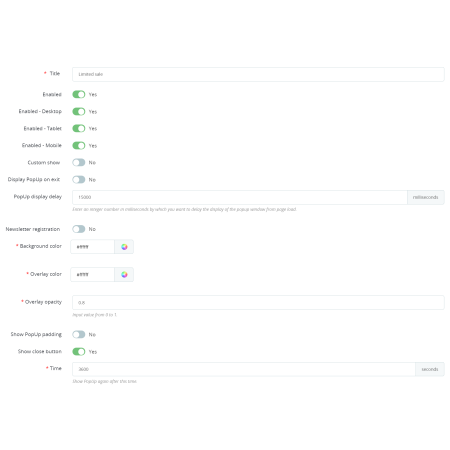
Basic configuration

  • Name: used to identify a specific pop-up window, especially for when you have multiple pop-ups.
  • Enable: Allows you to manually enable or disable the selected pop-up window.
  • Enable x devices: option to deactivate the pop-up window for individual devices (mobile, tablet, PC).
  • Individual display settings.
  • Show on exit: the pop-up window is displayed when you try to exit the page.
  • Display delay: the pop-up is displayed only after a set time in milliseconds has elapsed.

Appearance configuration

  • Background color: The background color of the pop-up window.
  • Overlay color: The color of the page overlay, we recommend black or white.
  • Overlay opacity: option to set the transparency of the overlay. The default value of 0.8 corresponds to 80% opacity.
  • Show Margins: adds a border to the pop-up window.
  • Show Closing Button: Displays a button in the upper right margin to close the window. By default, the window can be closed by clicking outside the window area.

Configuring the view

  • Time: The time limit after which the pop-up window is redisplayed for the same session. The default value is 3600ms, or one hour.
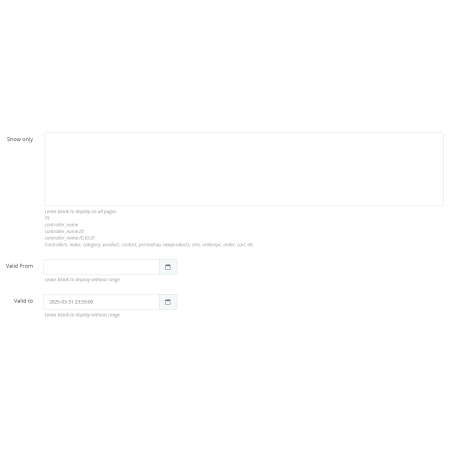
  • Display only: Option to display the window only for some system pages.
  • Valid from: Automatic activation of the selected pop-up window at the set date and time.
  • Valid until: Automatic deactivation of the selected pop-up window at the set date and time.

Settings for individual devices

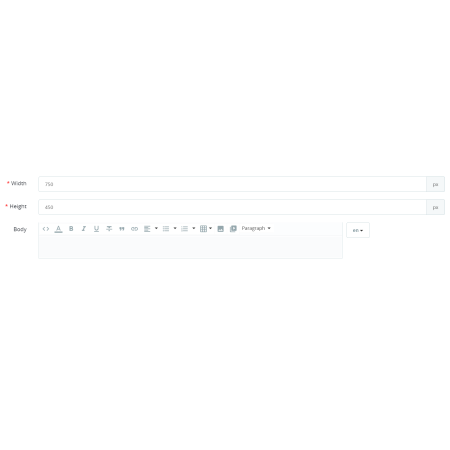
For individual devices (mobile, tablet and PC) it is possible to set the size of the displayed pop-up window and at the same time prepare the content individually. The individual variations of the pop-up windows must be saved in sequence.

Module label:
b4n_popups
Module version:
2.5.32
Prestashop version:
1.6, 1.7, 8
Last update:
07. 11. 2025
License validity:
Unlimited in time
Support:
12 months
Localisation:
Czech, English, German, Polish, Slovak
Minimum PHP version:
7.3
PHP Version:
7.3, 7.4, 8.0, 8.1

Product inquiry

Comments (0)
No customer reviews for the moment.
Satisfaction
guarantee
Professional
approach
Technical
support
Online
payment

Get our latest news and special sales

You may unsubscribe at any moment. For that purpose, please find our contact info in the legal notice.