

Validates the customer's VAT number in the EU's VIES system as soon as the address is saved. Businesses with a valid VAT number from another EU country buy goods and shipping without VAT; an invalid number is not saved.
The support is extended by 12 months from the end of the current support, an expired one from the payment.
Installation, setup and custom changes are a paid service.
The extension is added to a licence in your account.
Sign inWhat it solves
VAT-registered businesses from other EU countries buy from you under the reverse charge mechanism, that is, without VAT. But anyone can type in any number, and you are liable for a wrongly applied VAT exemption.
The module validates the VAT number in the EU's VIES system when the address is saved. The customer cannot save an invalid or non-existent number. With a valid VAT number from another EU country, goods and shipping are calculated without VAT.
Who it is for
Check with your accountant whether a particular sale meets the conditions for the exemption. The module validates the VAT number and sets prices without VAT, but it does not make the tax assessment for you.
Benefits
The VAT number is checked against the official European Commission service as soon as the address is saved.
The customer sees that the VAT number is invalid or could not be found, and cannot save the address with it.
With a valid VAT number from another EU country, products, shipping and order lines are calculated without VAT.
The module remembers valid results and does not ask VIES about the same VAT number again. If VIES is overloaded, it retries on its own.
How it works
They fill it in the PrestaShop VAT number field of their address, for example SK1234567890.
When the address is saved, it queries VIES. An invalid number or one that cannot be found is not saved.
With a valid VAT number from another EU country, goods and shipping are calculated without VAT.
Examples
Screenshots are from a test store running PrestaShop 9.
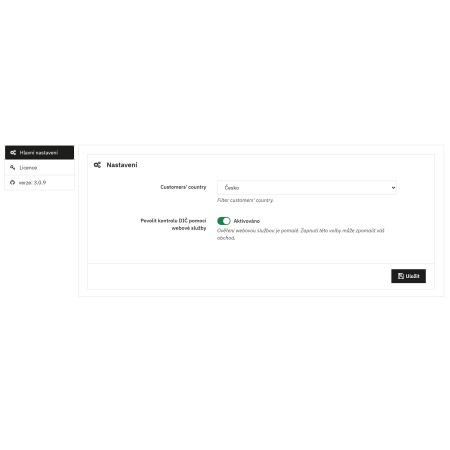
Choose your store's home country and turn on VAT number validation. Nothing else needs setting up.
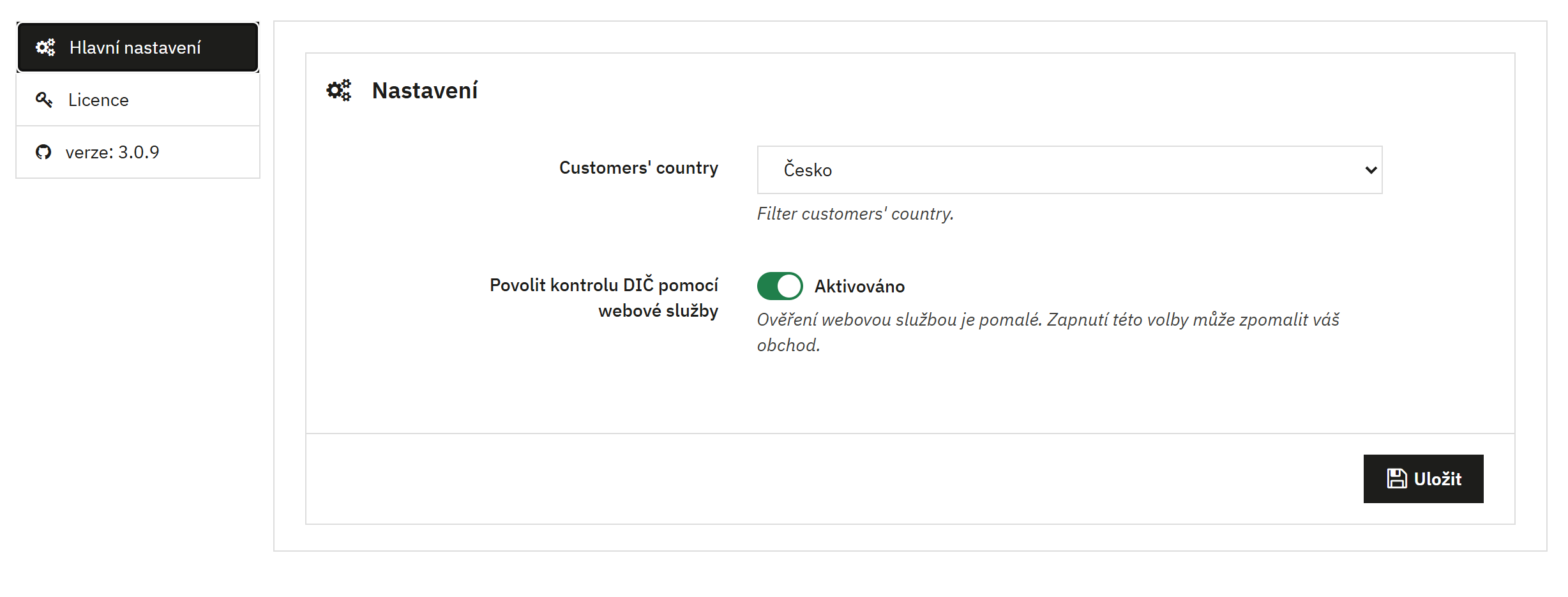
Configure > Main settings
Features
FAQ
In the European Commission's VIES system, through its official interface. It checks that the number is registered for VAT.
The module tries two more times. If VIES or the member state's service does not respond, the customer sees that validation is unavailable and can save the address with the VAT number later.
No. Once you set the store's country, customers from that country pay VAT even with a VAT number. Only businesses with a VAT number from other EU countries buy without VAT.
No. It verifies that the number is valid in VIES, but does not compare its prefix with the country of the address.
It is validated when the address is saved. The module remembers a valid result and does not ask VIES about the same VAT number again, so the order is not slowed down.
In PrestaShop's VAT number field in the address. It appears for countries whose address format includes the field (International > Countries).
For an order without VAT, PrestaShop adds its own exemption note to the invoice. You can edit the text in PrestaShop's translations.
Parameters
| Module label | b4nvatnumber |
|---|---|
| Module version | 3.0.9 |
| Prestashop version | 1.6, 1.7, 8, 9 |
| Last update | 24. 11. 2026 |
| License validity | Unlimited in time |
| Support | 12 months |
| Localisation | Czech, English, German, Polish, Slovak |
| Minimum PHP version | 7.3 |
| PHP Version | 7.3, 7.4, 8.0, 8.1, 8.2, 8.3 |
Installation, setup and custom changes are a paid service. Custom development
Question about the module
Tell us what you need to solve in your shop. We will advise whether the module helps you, how to set it up and what else you will need.
 VAT number validation - VIES and VAT-free sales to the EU