

Connects PrestaShop to the GP webpay payment gateway by Global Payments. Customers pay by card on the gateway's secure page, and after they return to your store, the order is created in the status that matches the payment result.
The support is extended by 12 months from the end of the current support, an expired one from the payment.
Installation, setup and custom changes are a paid service.
The extension is added to a licence in your account.
Sign inWhat it solves
GP webpay is a payment gateway by Global Payments, also offered by a number of banks. If it is already in your contract, all you need is a reliable connection to PrestaShop.
The module adds card payment to the checkout. The customer pays on the secure GP webpay page and, after returning to your store, has an order created in the status that matches the payment result.
Who it is for
Payment methods on the gateway and fees are set by your GP webpay contract. The module adds nothing to the order price, and consumers must not be charged a fee for paying by card.
Benefits
Customers enter their card on the secure GP webpay page with 3D Secure verification, not in your store.
After returning from the gateway, the order is created in a status that reflects how the payment went.
Upload the private key, its password and the public certificate right in the module settings, no FTP needed.
The GP webpay payment ID is shown in the order list, and you can search for orders by it.
In the default PrestaShop checkout and in the Three-step checkout.
How it works
In the checkout, they select “Pay by GP webpay”.
On the secure GP webpay page, they enter their card and confirm the payment in their bank.
The module verifies the signature of the gateway's response and creates the order based on the payment result.
You see paid orders in PrestaShop, together with the payment ID.
Don't want to do it yourself? We will set it up for you.
Examples
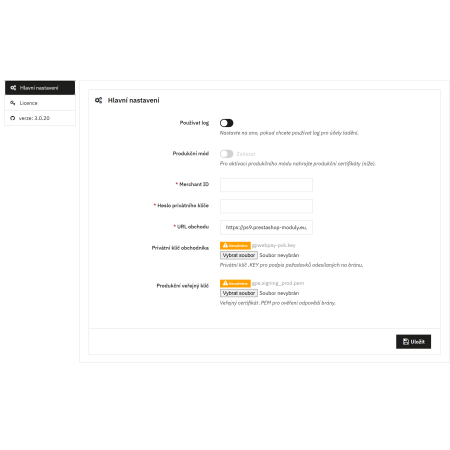
The screenshots come from a test store running PrestaShop 9.
Enter the merchant number and the private key password, then upload the key and the production certificate. The module shows what is uploaded and what is missing.
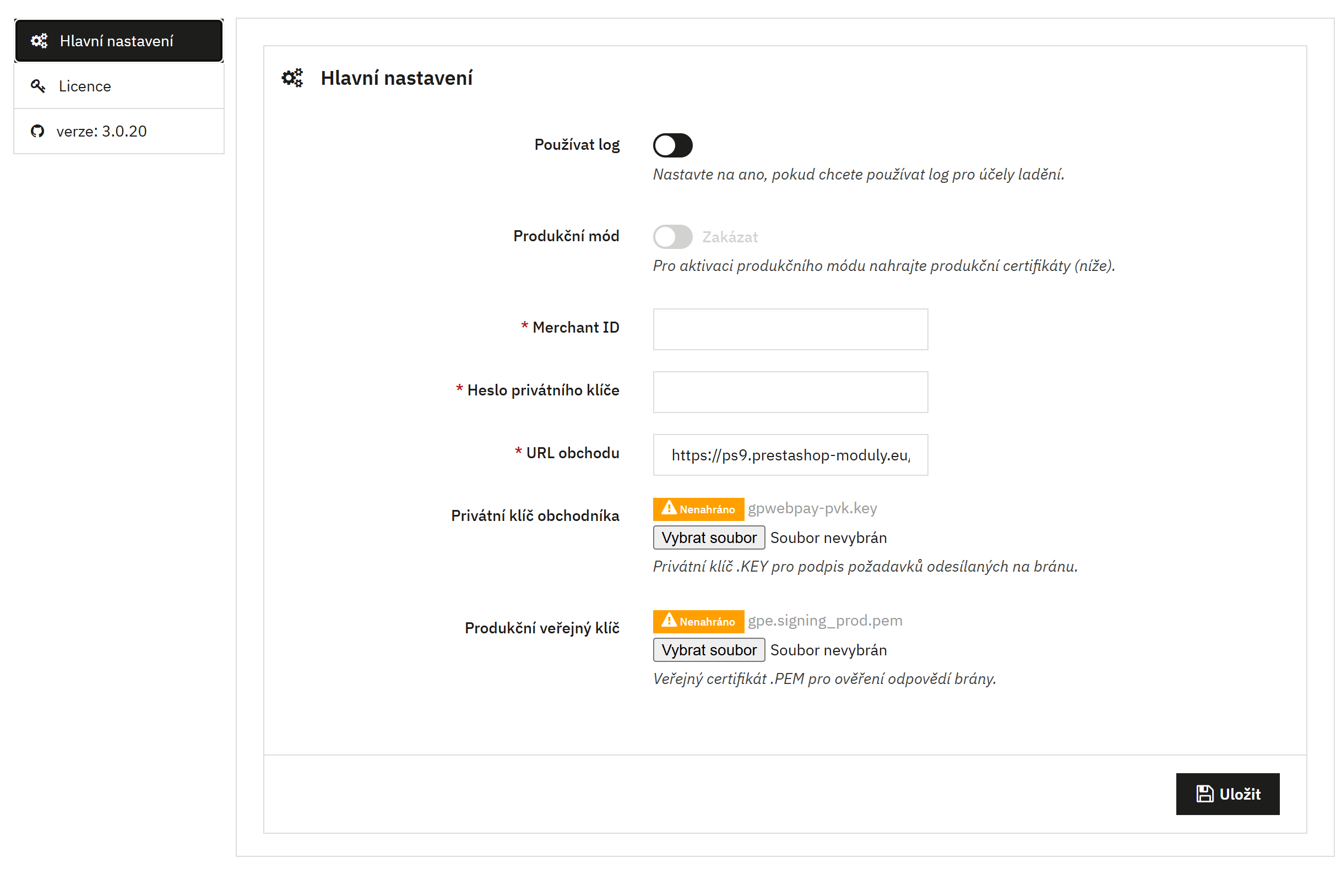
Configure → Main settings
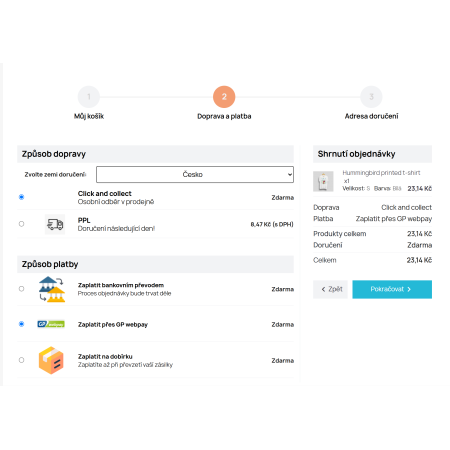
The customer selects “Pay by GP webpay” and, after confirming the order, the module redirects them to the gateway.
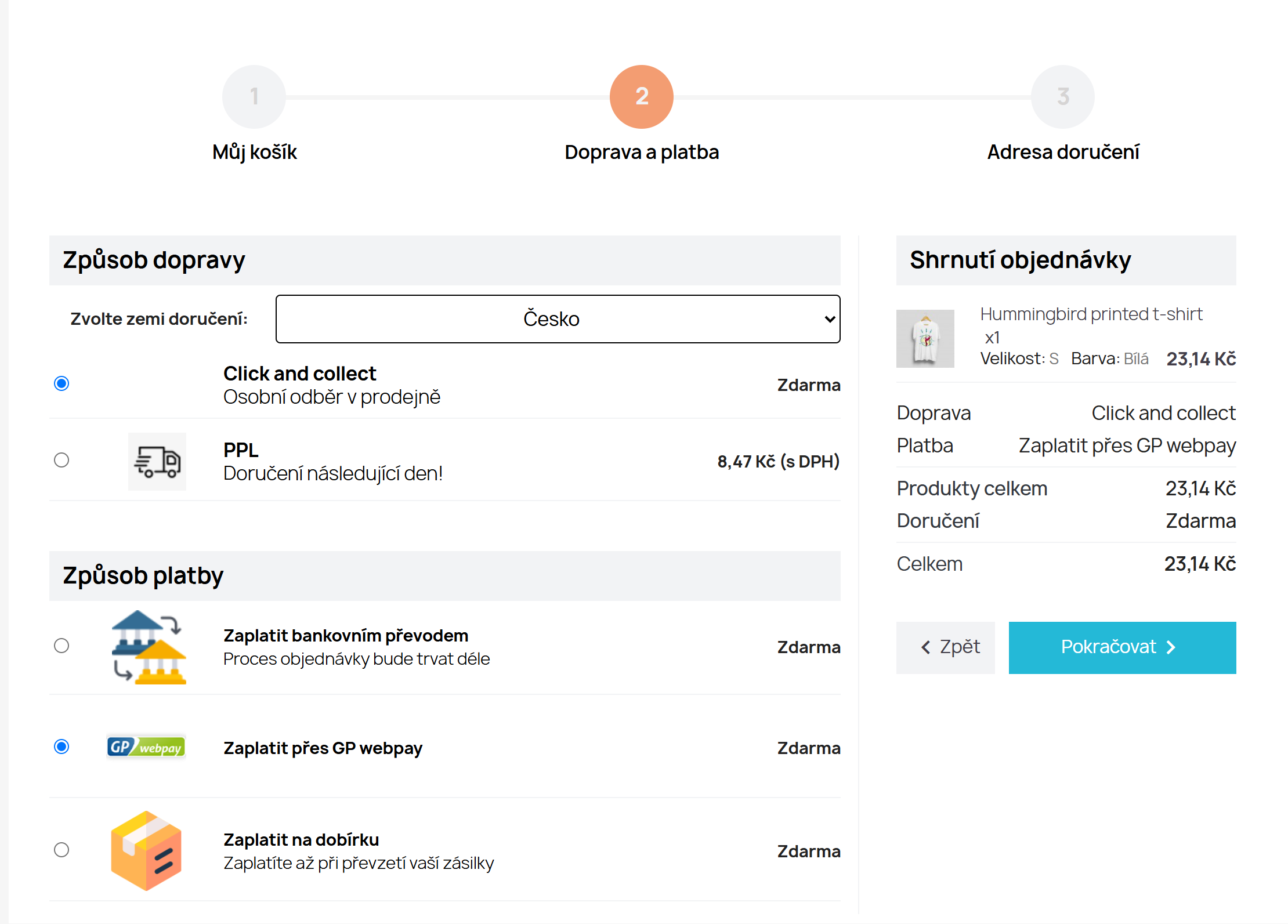
Three-step checkout → Shipping and Payment
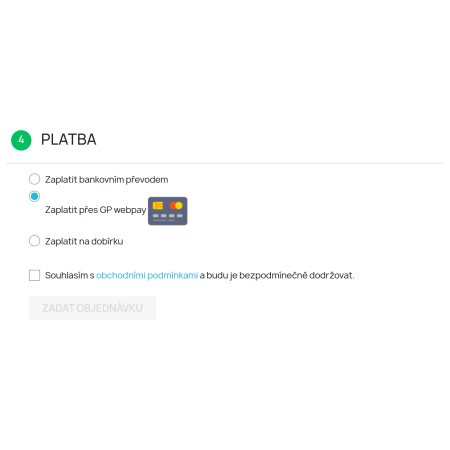
Without the Three-step checkout, card payment is in the Payment step of the standard PrestaShop checkout. The settings are the same.
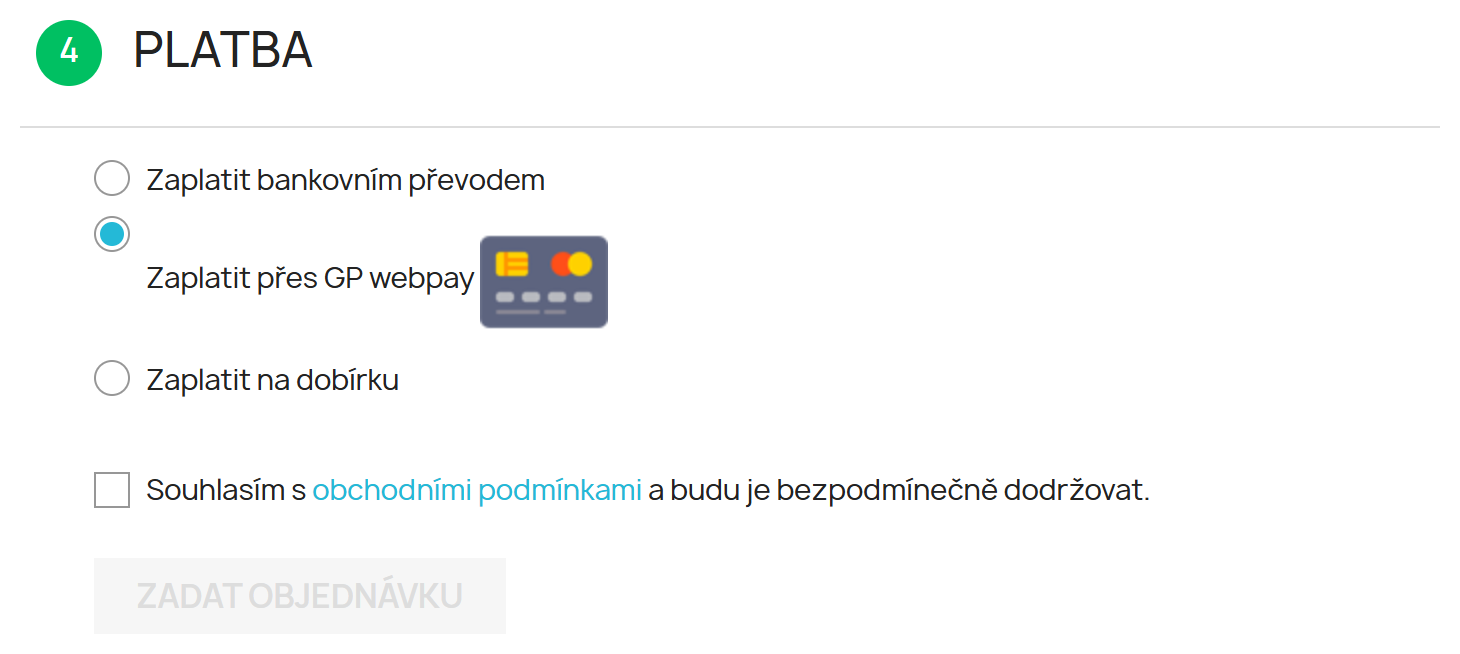
Default checkout → Payment
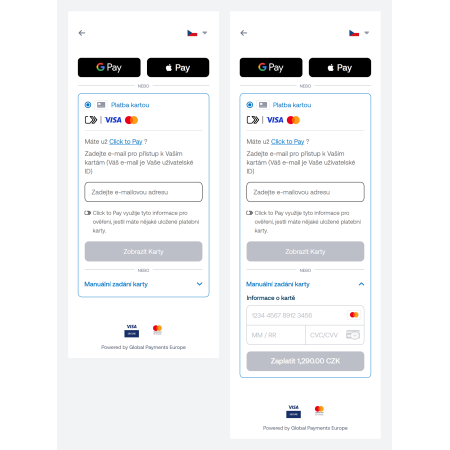
Customers only enter their card on the secure GP webpay page, so card details never pass through your store.

GP webpay gateway → payment selection and card entry (sample without store details)
Features
FAQ
GP webpay is operated by Global Payments; you arrange it with Global Payments or with a bank that offers the gateway. They give you a merchant number and access to the portal, where you generate your keys.
The module starts in the GP webpay test environment. Upload the test key, try a payment and, after a successful test, switch to the production certificates and live mode.
No. Customers enter their card on the secure GP webpay page. Only the payment result comes back to the store.
No. Consumers must not be charged a fee for paying by card, and the module does not add any. You pay the gateway fees according to your contract.
No, refunds are entered in the GP webpay portal. The module handles accepting the payment and creating the order.
Yes. The module uses the standard PrestaShop payment interface, so it works in the default checkout and in the Three-step checkout (TSO).
Yes. With the module, you can order turnkey installation and setup: we upload the keys, try a test payment and help you switch to live mode.
Parameters
| Module label | b4ngpwebpay |
|---|---|
| Module version | 3.0.20 |
| Prestashop version | 1.6, 1.7, 8, 9 |
| Last update | 23. 11. 2026 |
| License validity | Unlimited in time |
| Support | 12 months |
| Localisation | Czech, English, German, Polish, Slovak |
| Minimum PHP version | 7.3 |
| PHP Version | 7.3, 7.4, 8.0, 8.1, 8.2, 8.3 |
Installation, setup and custom changes are a paid service. Custom development
Question about the module
Tell us what you need to solve in your shop. We will advise whether the module helps you, how to set it up and what else you will need.
 GP webpay - payment gateway