

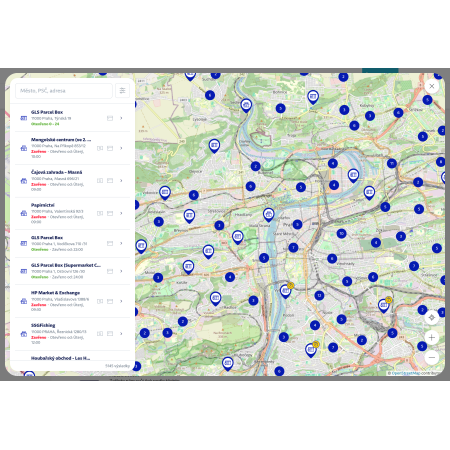
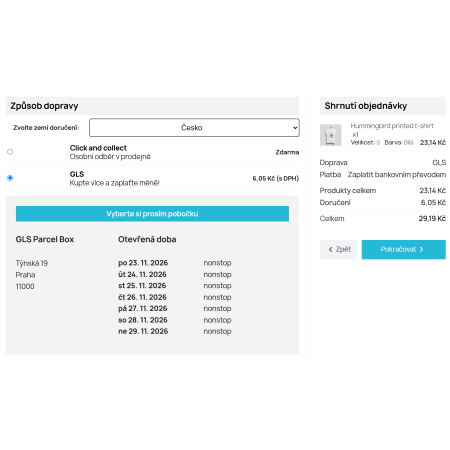
In checkout, customers pick a GLS pickup point or box on the official GLS map. The point is saved to the order, you see it in the back office and you can export GLS orders to CSV.
The support is extended by 12 months from the end of the current support, an expired one from the payment.
Installation, setup and custom changes are a paid service.
The extension is added to a licence in your account.
Sign inWhat it solves
Customers want to collect their parcel on the way, at a pickup point or a box. If they do not choose the point right in checkout, you end up writing e-mails and looking up addresses, and shipments get delayed.
The module adds the official GLS pickup point map to checkout. The customer finds a point by city or postal code and selects it with one click, and you have it saved with the order, ready to ship.
Who it is for
Benefits
Customers search by city, postal code or address and see ParcelShops and GLS Boxes with details and services.
The selected point shows its opening hours for the whole week; boxes show “24/7”.
Without a selected pickup point, the customer cannot continue in checkout.
In the order confirmation, the e-mail, the customer's order details and the back office.
When a customer calls to say they want a different point, you change it right in the order details.
Overview of GLS orders with cash on delivery and weight, and export of selected orders to CSV.
How it works
With the GLS carrier, a button for choosing a pickup point appears.
They find a ParcelShop or GLS Box and confirm it with the “Select” button.
With name, address and opening hours, to the order and the e-mail.
In the order overview you add the weight and export the orders to CSV.
Rather not do it yourself? We will set it up for you.
Examples
Screenshots come from a PrestaShop 9 test store with the Three-step checkout.
Clicking “Please choose a pickup point” opens the official GLS map with a list of points. The customer searches by city, postal code or address.
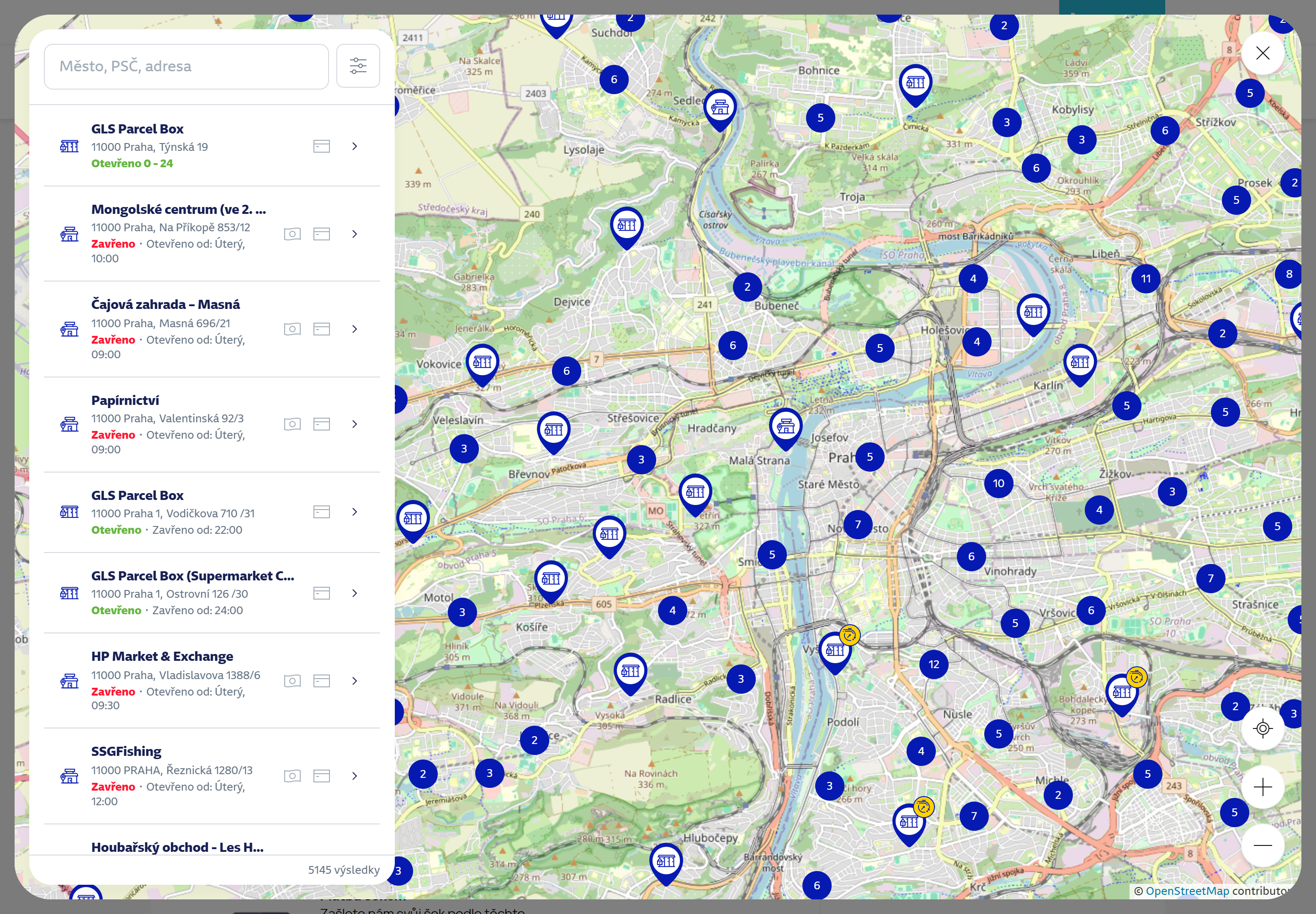
Checkout → Shipping and payment → choosing a pickup point
After selecting, the customer sees the name, address and opening hours for the whole week. They can change the point at any time with the same button.
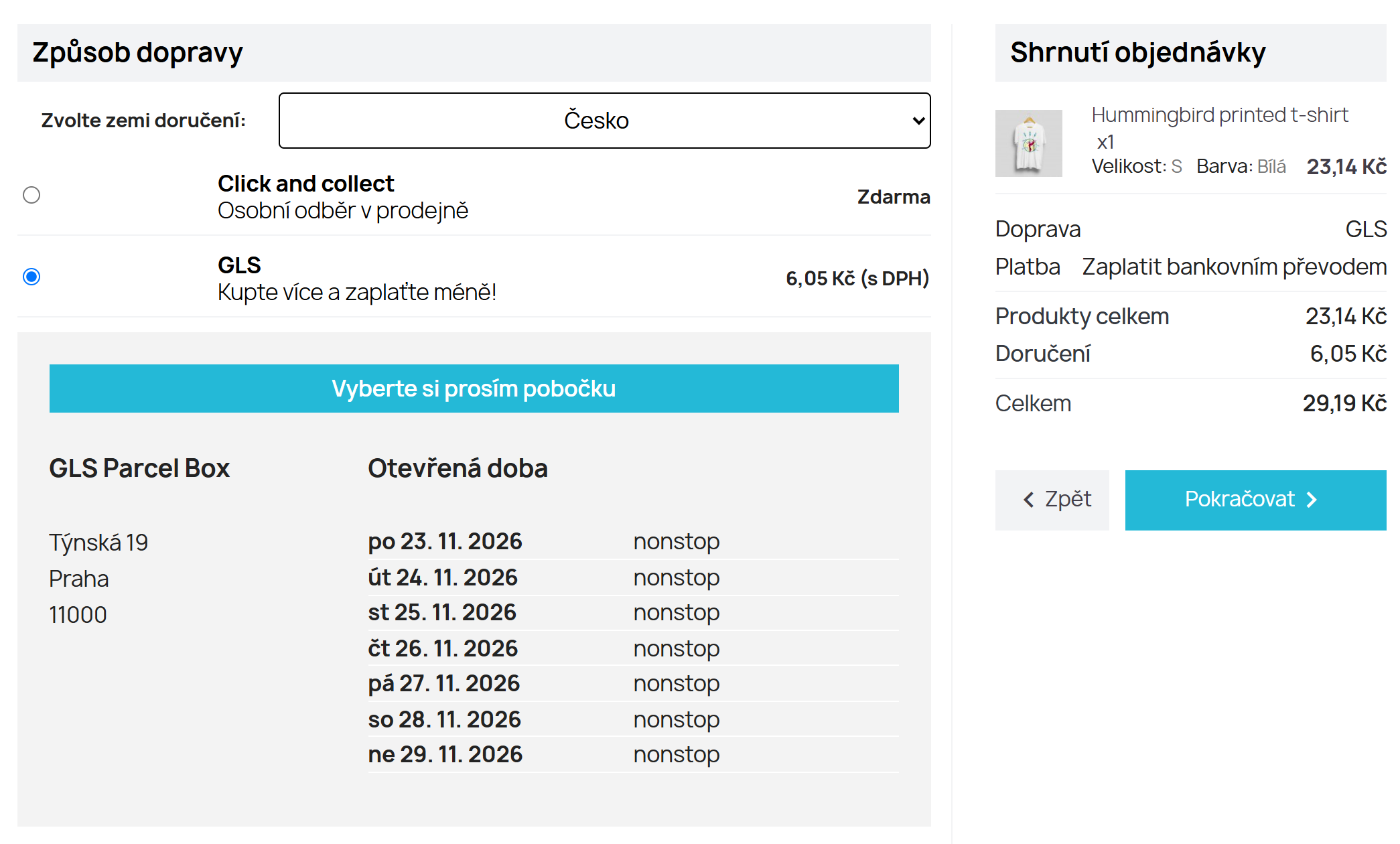
Checkout → Shipping and payment
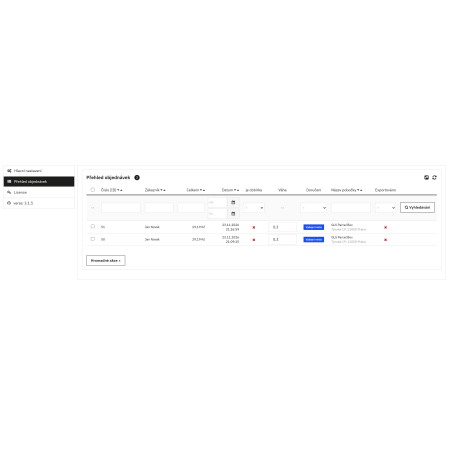
In one place you see your GLS orders: pickup point or home delivery, cash on delivery, weight and whether they have already been exported.
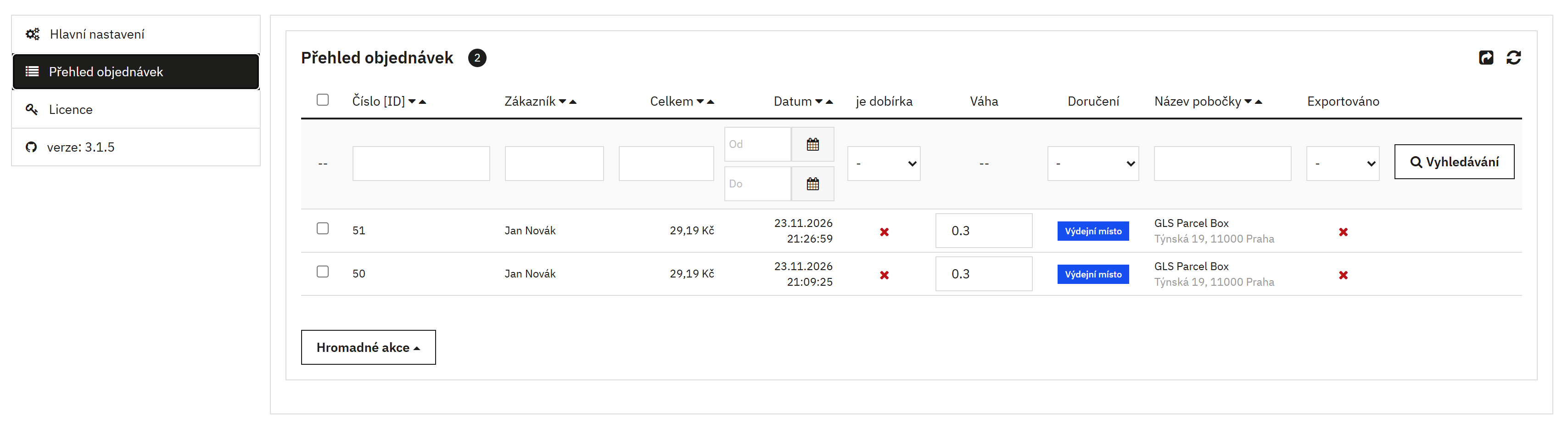
Configure → Order overview
Choose the carriers for pickup points, the GLS home delivery carrier and the payment methods that are cash on delivery. You also see the number of points in the list and the cron URL.
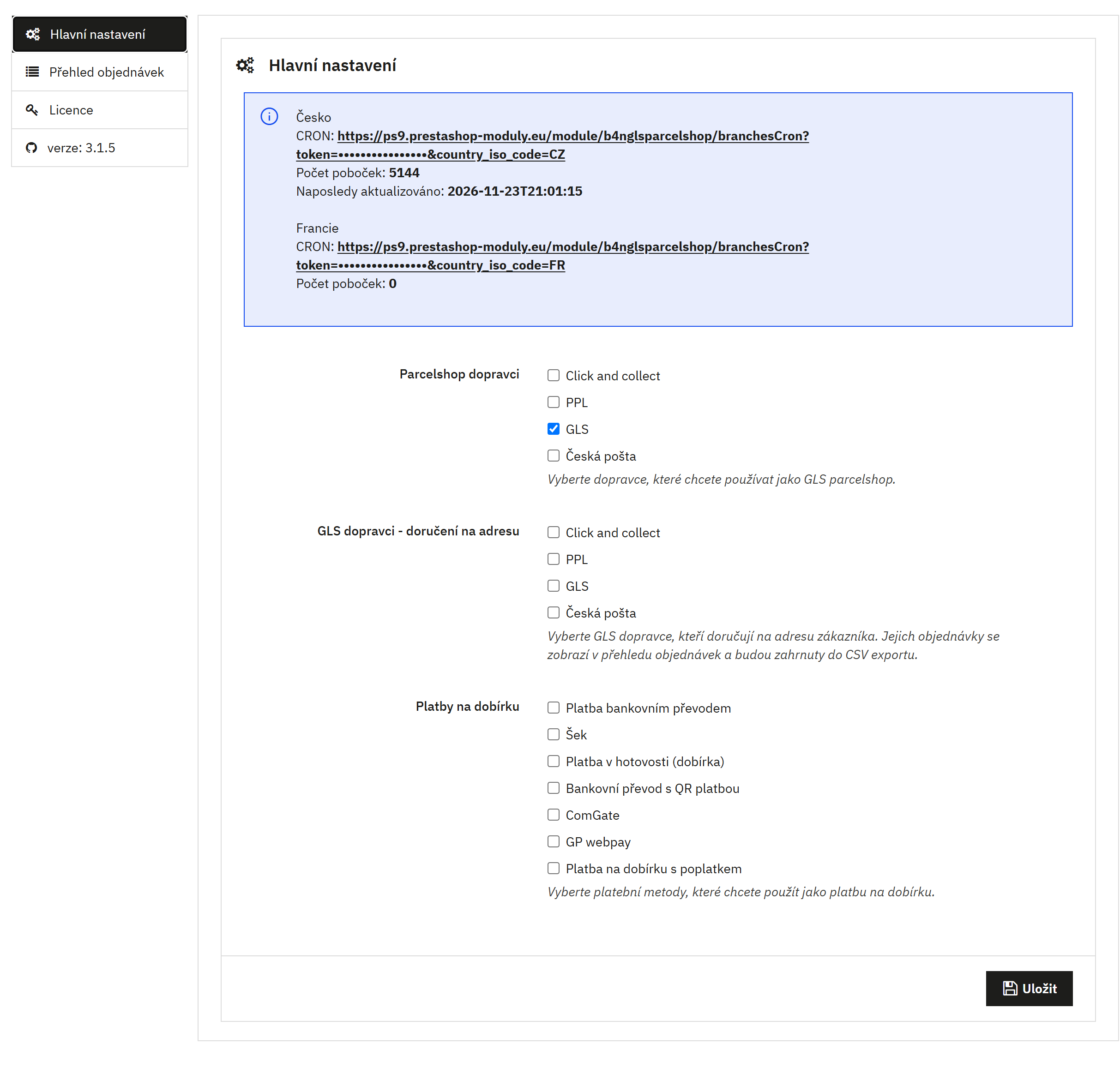
Configure → Main settings
Features
Settings
FAQ
Yes. You arrange delivery to pickup points directly with GLS. The module handles choosing the point in your store and saving it with the order.
Yes. It is the official GLS map and shows ParcelShops and GLS Boxes according to the current GLS network.
No. The module saves the pickup point with the order and can export orders to CSV with the pickup point, cash on delivery and weight. Labels and shipment handover are done in the GLS system.
Yes. Pickup point selection works in the default PrestaShop checkout and in the Three-step checkout (TSO).
By a cron job from the official GLS list, separately for each active country. You see the number of points and the date of the last update in the settings.
Yes. The module adds variables with the pickup point details to e-mail templates, and the point also appears in the order confirmation and order details.
Yes. Open the map in the order details in the back office and select a different point.
Yes. You can order turnkey installation and setup with the module: we set up the carriers, cash on delivery and cron, and test the pickup point selection.
Parameters
| Module label | b4nglsparcelshop |
|---|---|
| Module version | 3.1.5 |
| Prestashop version | 1.6, 1.7, 8, 9 |
| Last update | 23. 11. 2026 |
| License validity | Unlimited in time |
| Support | 12 months |
| Localisation | Czech, English, German, Polish, Slovak |
| Minimum PHP version | 7.3 |
| PHP Version | 7.3, 7.4, 8.0, 8.1, 8.2, 8.3 |
Installation, setup and custom changes are a paid service. Custom development
Question about the module
Tell us what you need to solve in your shop. We will advise whether the module helps you, how to set it up and what else you will need.
 GLS Parcelshop - pickup points